

History & Presentation
Every room keeps a record of how it changed over time, and can be shown as a guided slideshow. Both are separate pages you reach from inside the room.
History
Section titled “History”The History page (/map/<roomId>/history) shows a timeline of everything that has happened in the
room — markers added, layers uploaded, shapes drawn, edits — grouped by day, month, and year. Selecting
an entry shows the room’s state at that point.
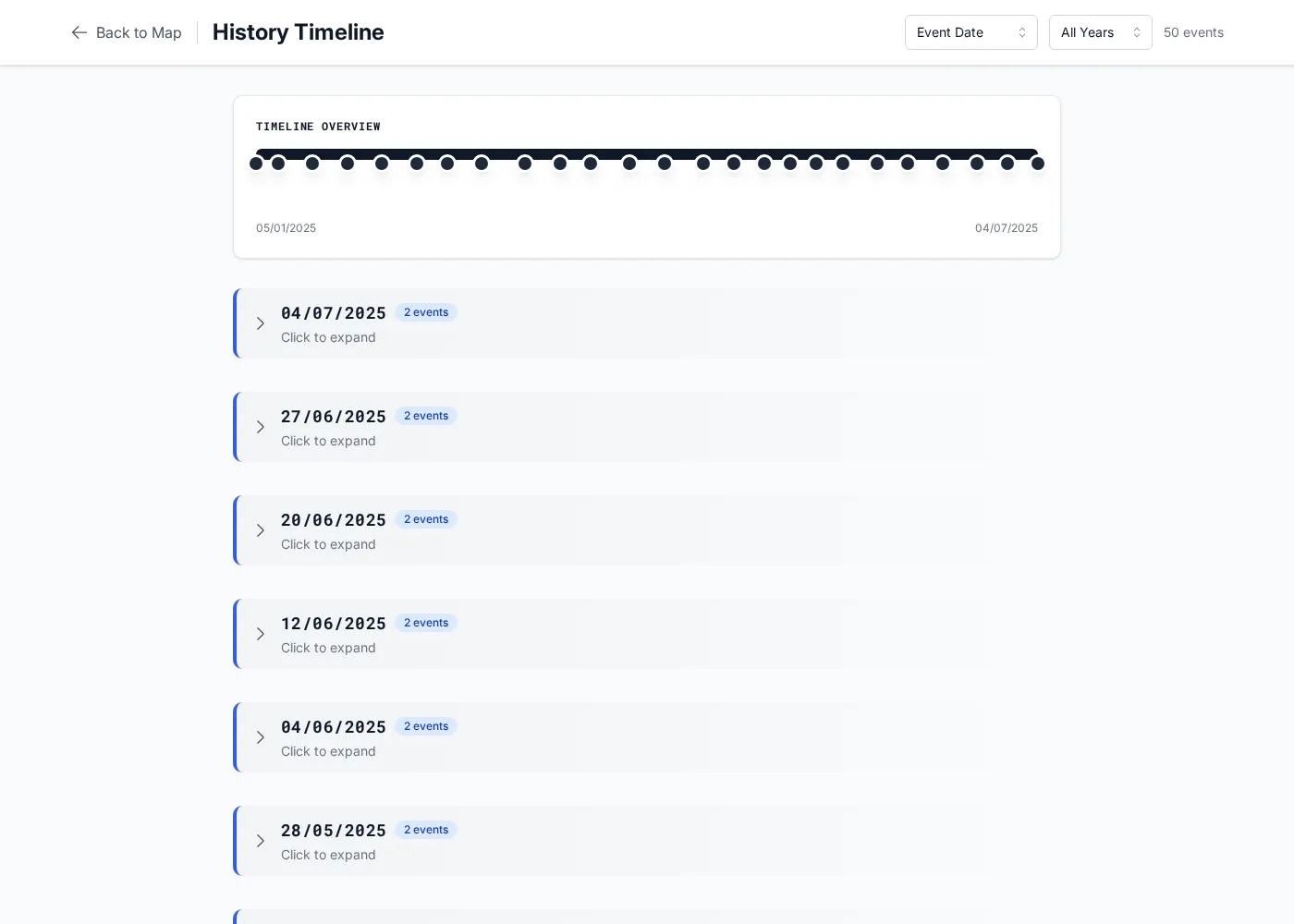
Use it to answer “what changed, and when?” and to review a room’s evolution without altering anything.
Presentation mode
Section titled “Presentation mode”Presentation mode (/map/<roomId>/presentation) turns the room into a slideshow: a deck of slides
in a sidebar, each with its own camera position, plus playback controls to step through them. It’s the
way to walk an audience through a map — the view flies from slide to slide, and callouts and images can
accompany each one.
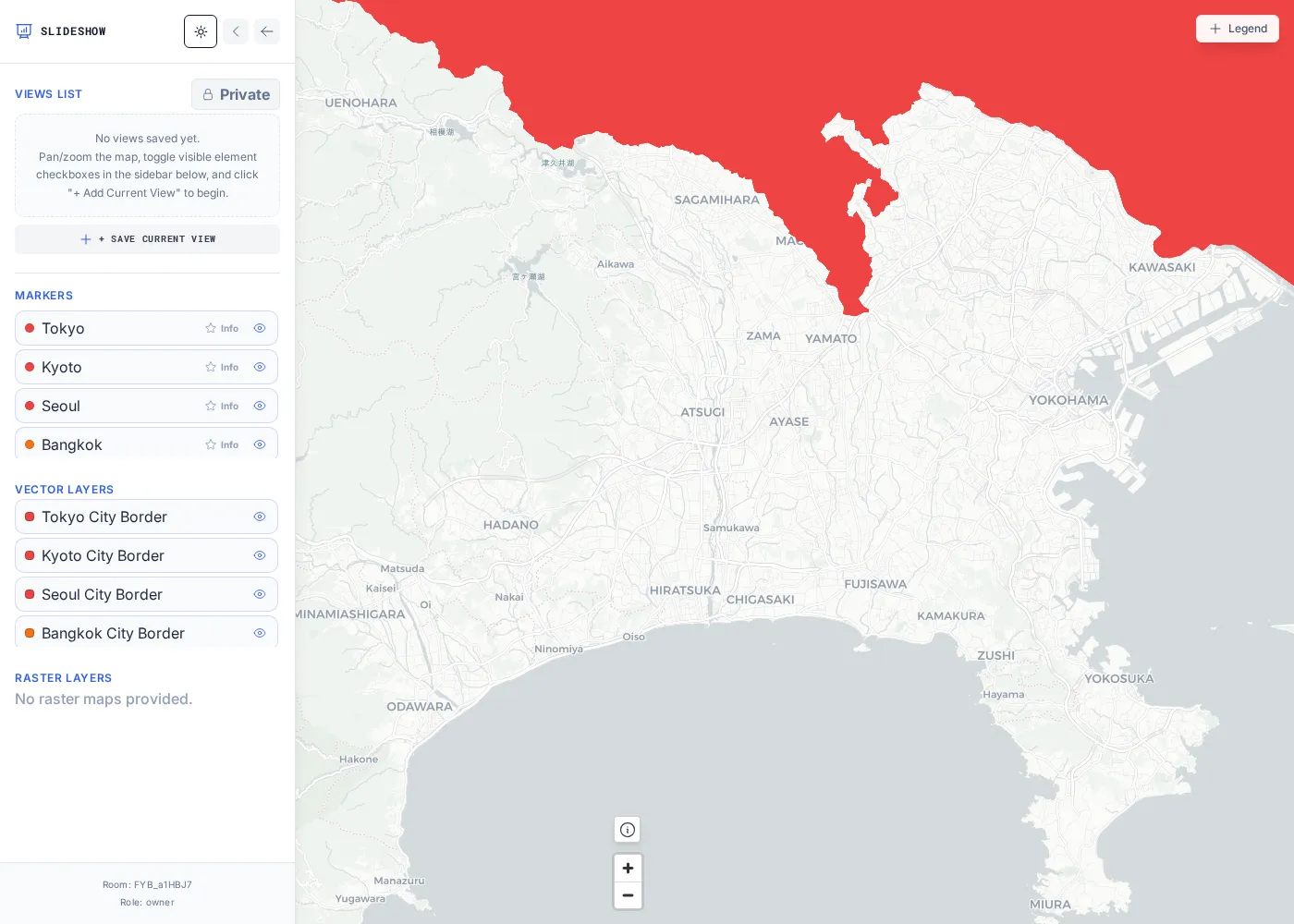
Open it from the Presentation button in the room navbar. Presentation of a private room is gated to people with access; owners can also share a presentation publicly.